
Moving your studio off the spreadsheet
Import clay, glaze materials and member pieces from a CSV or Google Sheet in about twenty minutes.
On this page3 sections
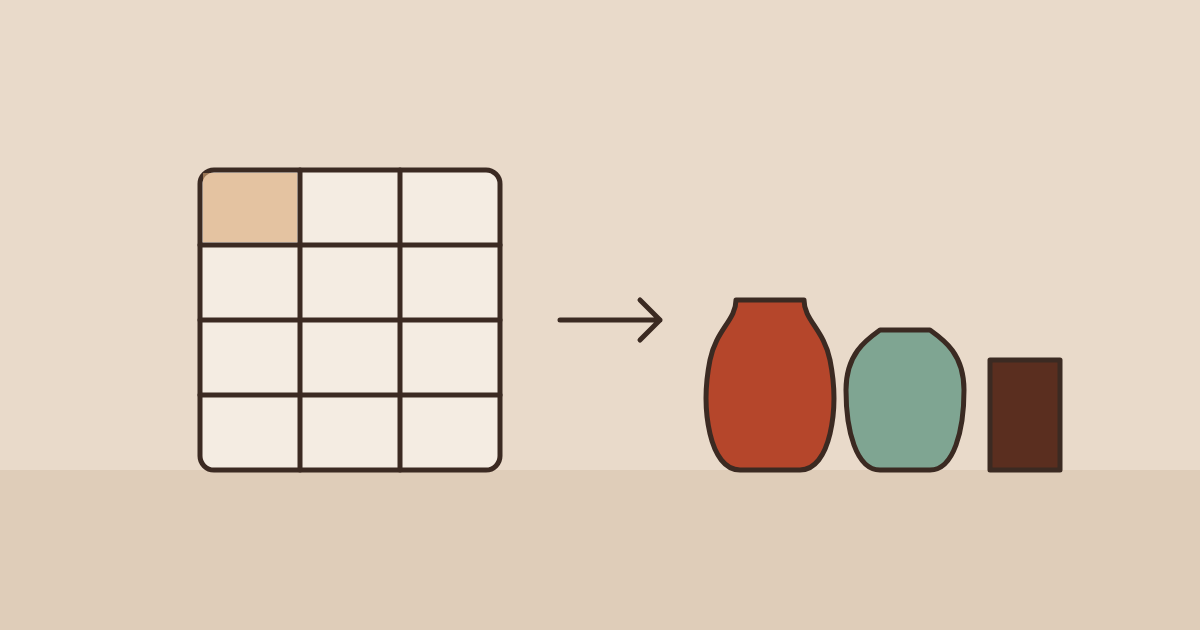
Almost every studio that signs up has the same file: a spreadsheet called something like studio stuff FINAL (2).xlsx. It works until two people edit it at once. Here’s how to move it into Kilnworks without retyping anything.
Get your data ready
Kilnworks needs one row per item with a name, a unit and a quantity. Everything else is optional. Units can be g, kg, lb or bag.
name,category,unit,quantity,reorder_at,supplier
Custer feldspar,glaze material,kg,11.5,5,Laguna
Silica 325,glaze material,kg,22,10,Laguna
B-Mix 5,clay body,bag,14,6,Laguna
Speckled Buff,clay body,bag,9,4,Clay Planet
Import it
CSV file
Open Inventory → Import, drop the file and check the column mapping. Kilnworks guesses columns by name, so qty and amount both map to quantity.
Google Sheets
Open Inventory → Import → Google Sheets, sign in and pick the sheet and tab. You can re-run the import later to pull new rows; existing items are matched by name and updated.
After the import
Set a reorder level on the materials you run out of most. Kilnworks sends a low-stock email the morning a material drops below it, with the supplier from your sheet already filled in.